Set up follow-up emails
A campaign can send a follow-up email automatically some time after a certificate is issued — for example, a reminder before it expires, or a thank-you after it’s redeemed.
- Open the campaign and go to Flow → Follow-ups.
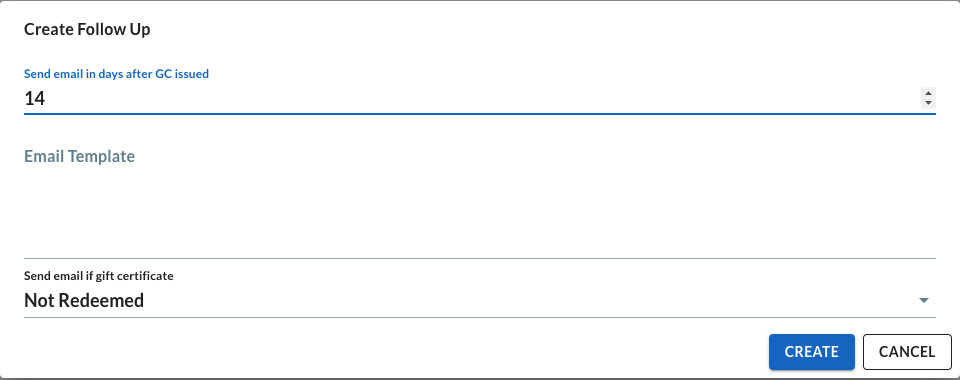
- Add a follow-up and choose how long after issuance it should send.
- Choose the condition it’s gated on: whether the certificate was Redeemed or Not Redeemed by that point.
- Write the subject and body for the email.
- Save.