Customize your branding
Avantly branding has two levels — your account default, and an optional override per campaign. See Branding for how they relate.
Set your account default
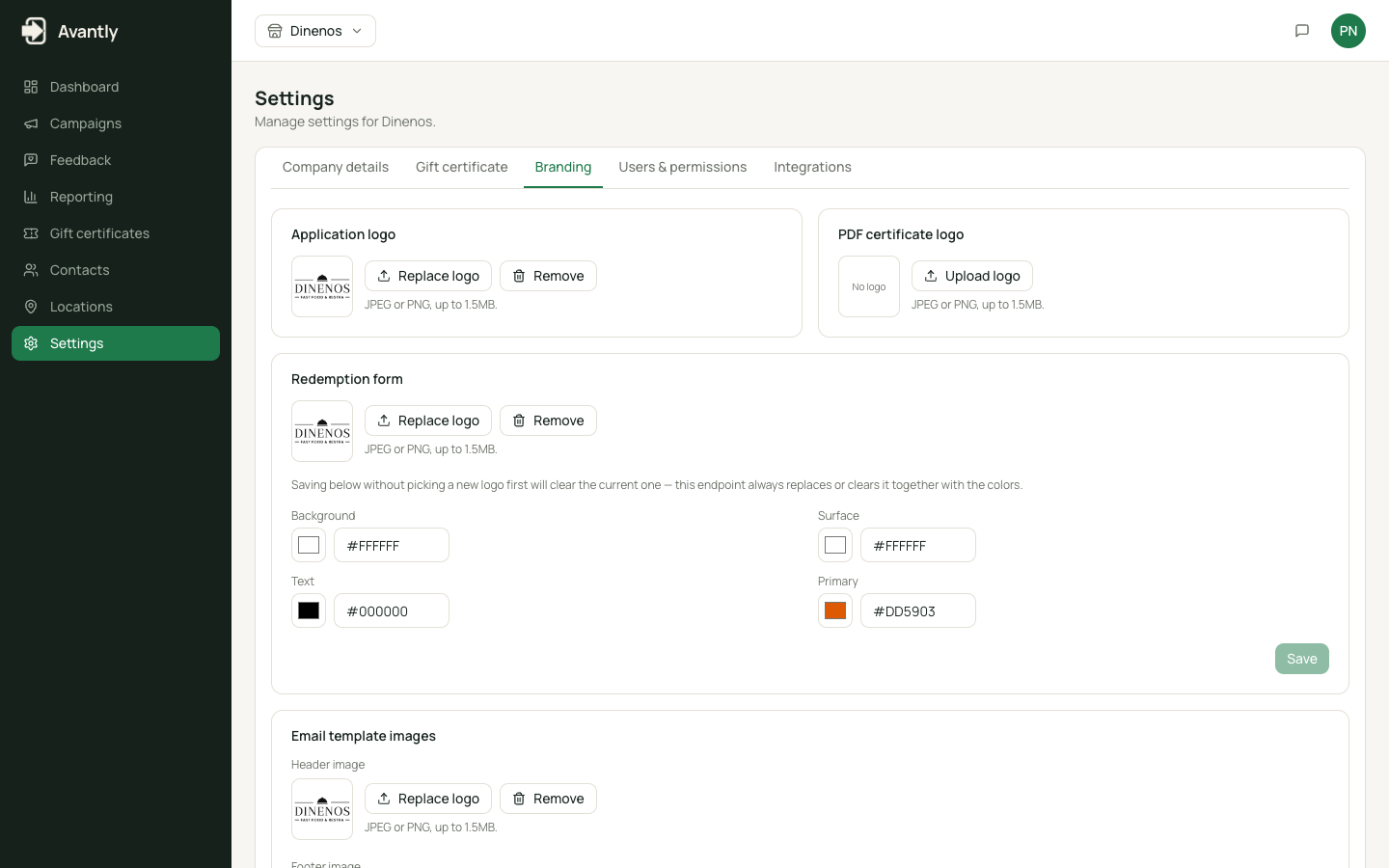
Section titled “Set your account default”- Go to Settings → Branding.
- Upload your app logo, and set colors, logo, and custom CSS for the donation request form and redemption page.
- Upload header/footer images for email templates, and a logo for the certificate PDF.
- Save. This look now applies to every campaign that doesn’t override it.
Override branding for one campaign
Section titled “Override branding for one campaign”-
Open the campaign and go to its Look & Feel section.
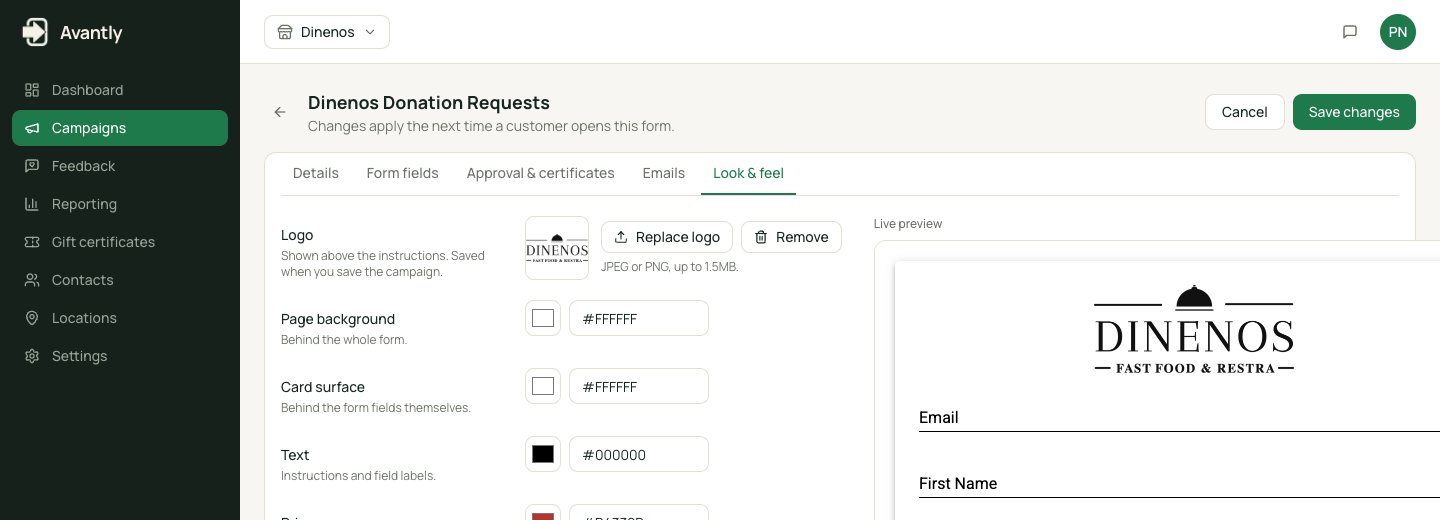
Overriding branding for one campaign -
Set a different logo, colors, or custom CSS.
-
Save — this campaign’s donation form now uses these settings instead of your account default.