Resend or update a certificate
Once a gift certificate exists, staff can make a few changes to it from the Certificates page.
-
Open Certificates and find the certificate — search by code, recipient name, or email.
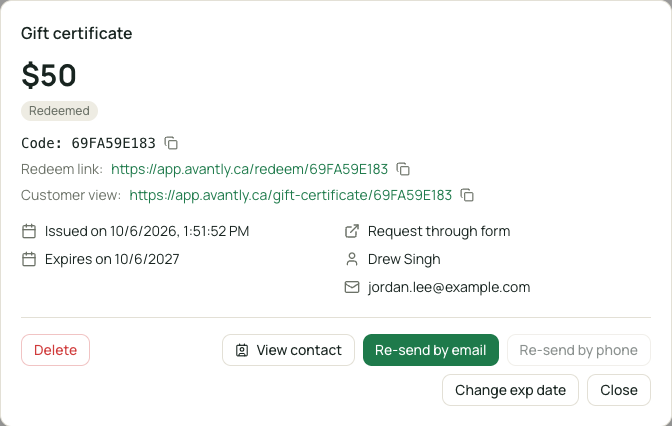
Managing an existing certificate -
Choose an action:
- Resend — re-sends the certificate email to the recipient, useful if it was lost or went to spam.
- Change expiration date — extends or shortens how long the certificate is valid.
- Edit tag — updates the internal tag used for your own tracking.
- Delete — permanently removes the certificate. There’s no separate “void” state; deleting is how a certificate is invalidated.